Microsoft Store
Prerequisites
- The user signing up will need subscription owner permissions
- A resource group to deploy a reference to the SaaS service into (shows up as a single Azure resource)
Process
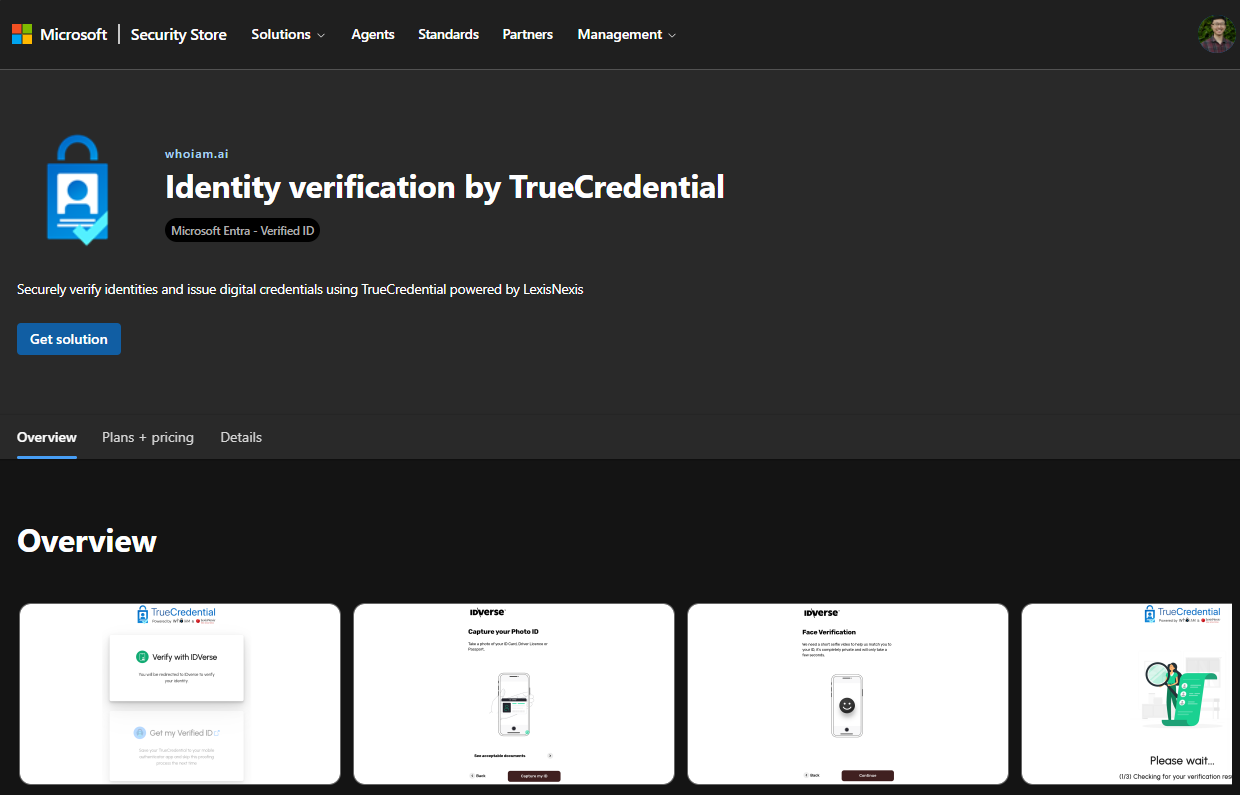
- Navigate to https://securitystore.microsoft.com/ and search for "TrueCredential".
- Select "get solution".
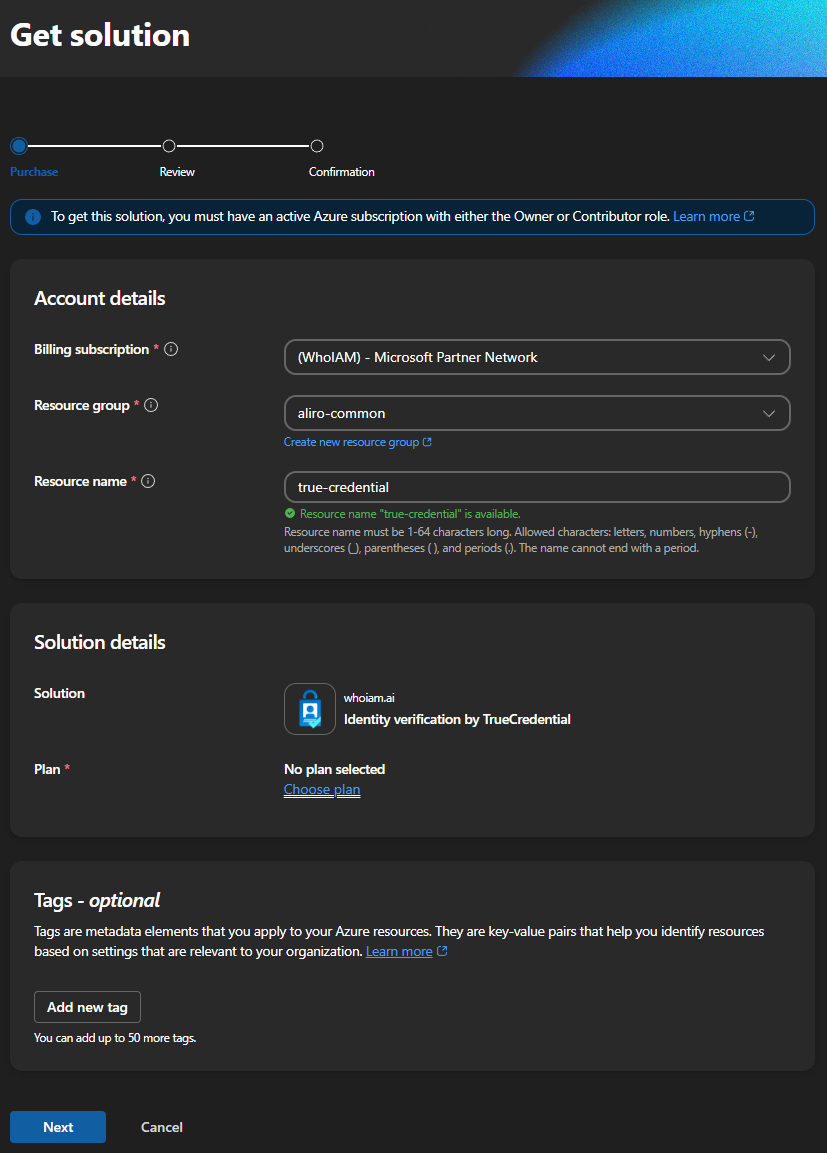
- Choose a plan and enter your deployment information (subscription, resource group).
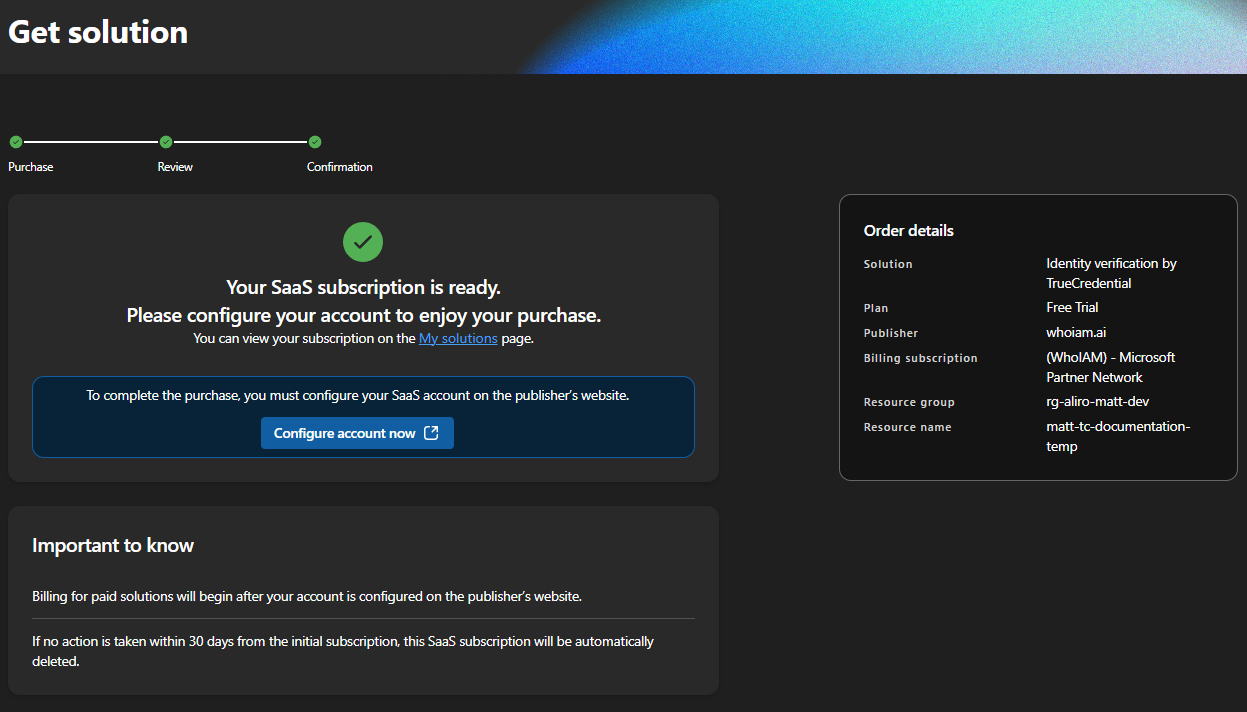
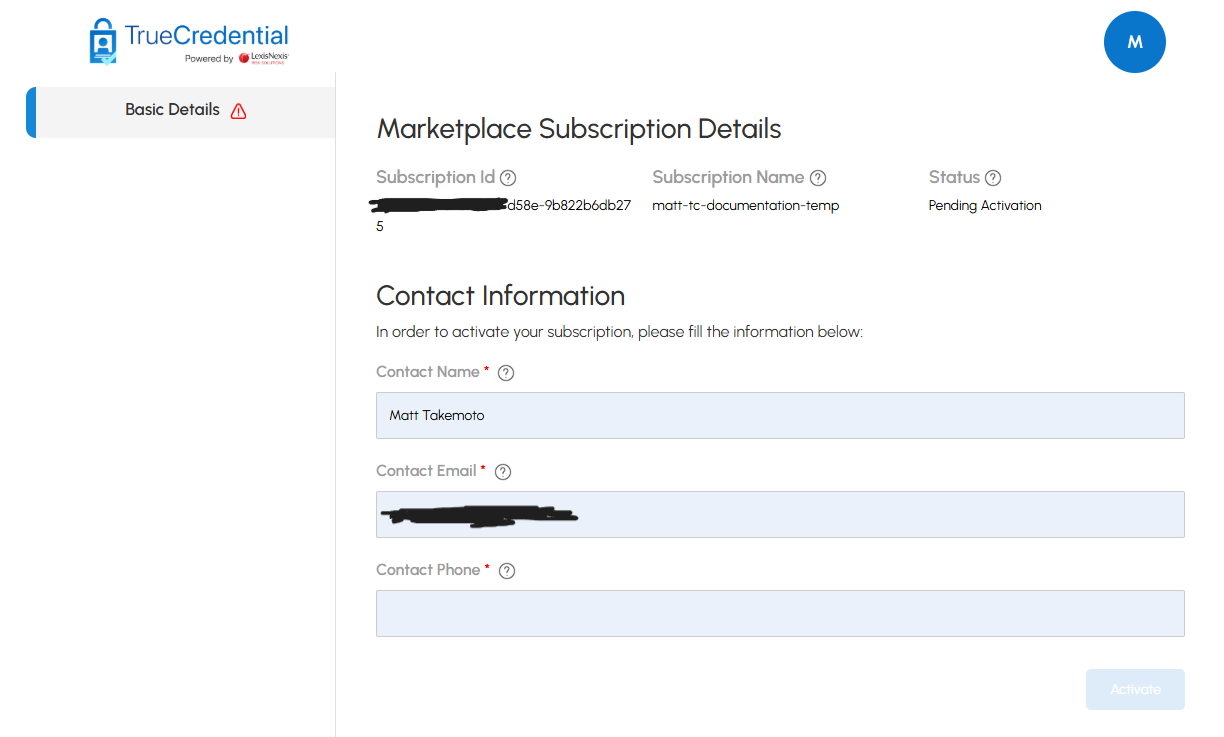
- Please wait for Microsoft to finish provisioning on their side. Once that's complete, click "Configure account now" to be redirected to the TrueCredential Management Portal, where you can enter the additional details required to complete your setup.
- Once you submit the TrueCredential configuration page, you'll be redirected back to Microsoft Security Store where you should see your subscription to TrueCredential.
- If it shows as "processing", please refresh the page or wait for a confirmation email that should show up within 5 minutes.

Once you see the confirmation message or subscription status set to "subscribed", you're ready to start using TrueCredential!